
Foot Locker Receipt Generator
Create Foot Locker receipts with product SKUs, salesperson details, and VAT/GST breakdown.
Make Your Foot Locker Receipt
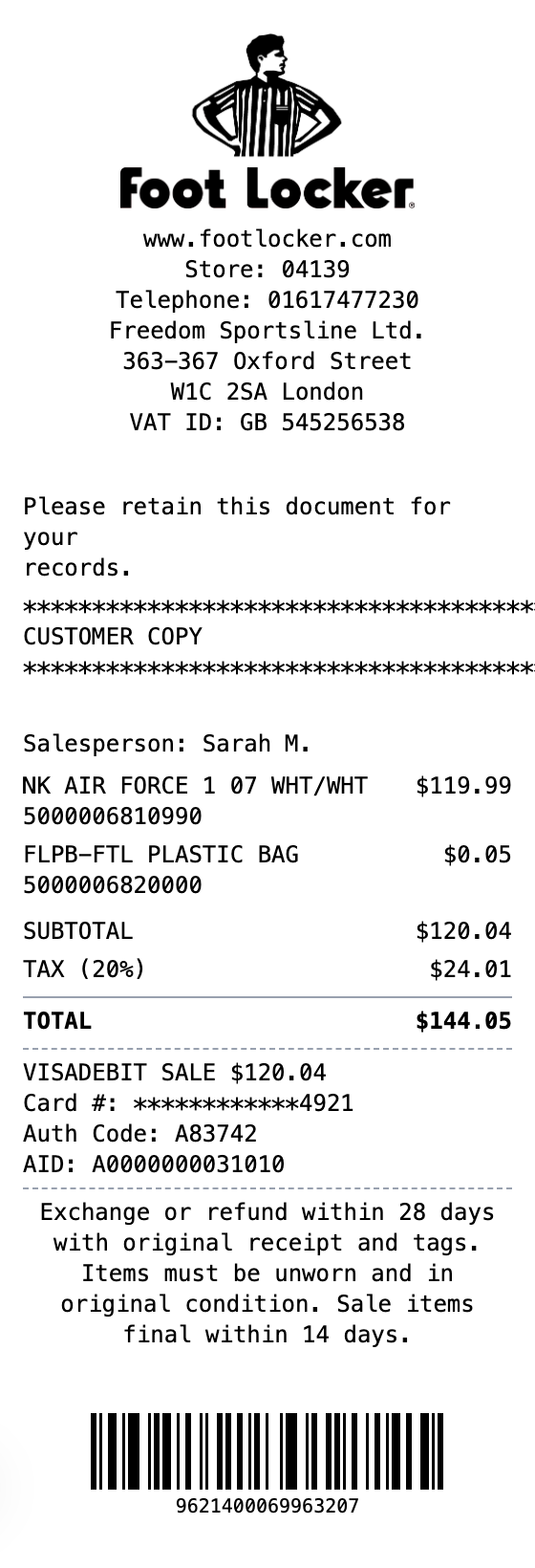
Everything You Need in a Foot Locker Receipt
No design software and no learning curve. Fill in your details and download.
Authentic Layout
Matches the look of real Foot Locker receipts with salesperson info and product SKUs.
Product SKU Codes
Include product barcodes and SKU numbers under each item description.
Tax Breakdown
Show VAT or sales tax calculations matching regional Foot Locker stores.
Payment Details
Card payment section with auth code, card type, and transaction ID.
Return Policy
Built-in return and exchange policy text for realistic receipts.
Multiple Export Formats
Download as PNG, PDF, or JPEG for mockups and design work.
Create a Foot Locker Receipt in Three Steps
No account needed to start building
Step 1:
Choose your template
Step 2:
Customize your receipt
Step 3:
Download and use
What You Can Do
Create receipts for any purpose
Expense Reports
Document business expenses for company reimbursement
Tax Documentation
Keep organized records for tax filing and deductions
Client Invoicing
Create professional receipts for client billing
Proof of Purchase
Generate records for warranties and returns
Budget Tracking
Monitor spending with organized receipt records
Reimbursements
Submit clear expense documentation for refunds
Frequently Asked Questions
Common questions about creating foot locker receipts
Is MakeMyReceipt free to use?
Yes. You can build and customize receipts for free with no sign-up required. Watermark-free exports and saved receipts are available with Pro.
What file formats can I export?
You can export your receipts as PNG (high-quality images), PDF (print-ready documents), or JPEG (compressed images for smaller file sizes).
More Templates Like This One

Convenience Store Receipt
Standard retail receipt with items, tax, and payment

Pharmacy Receipt
Pharmacy receipt with Rx info and insurance details
Auto Service Receipt
Auto shop receipt with services, parts, and labor

Restaurant Receipt
Restaurant receipt with items, tax, and tip line
Service Receipt
Service invoice with description, hours, and rate